Plugins that do one job.Try before you buy.
A floor map with a searchable directory, a clickable map with no API key, and clickable dots on any image.
Three plugins. One job each.
Each plugin is sold on its own. Try the free version or the builder demo, then pay yearly.
See pricing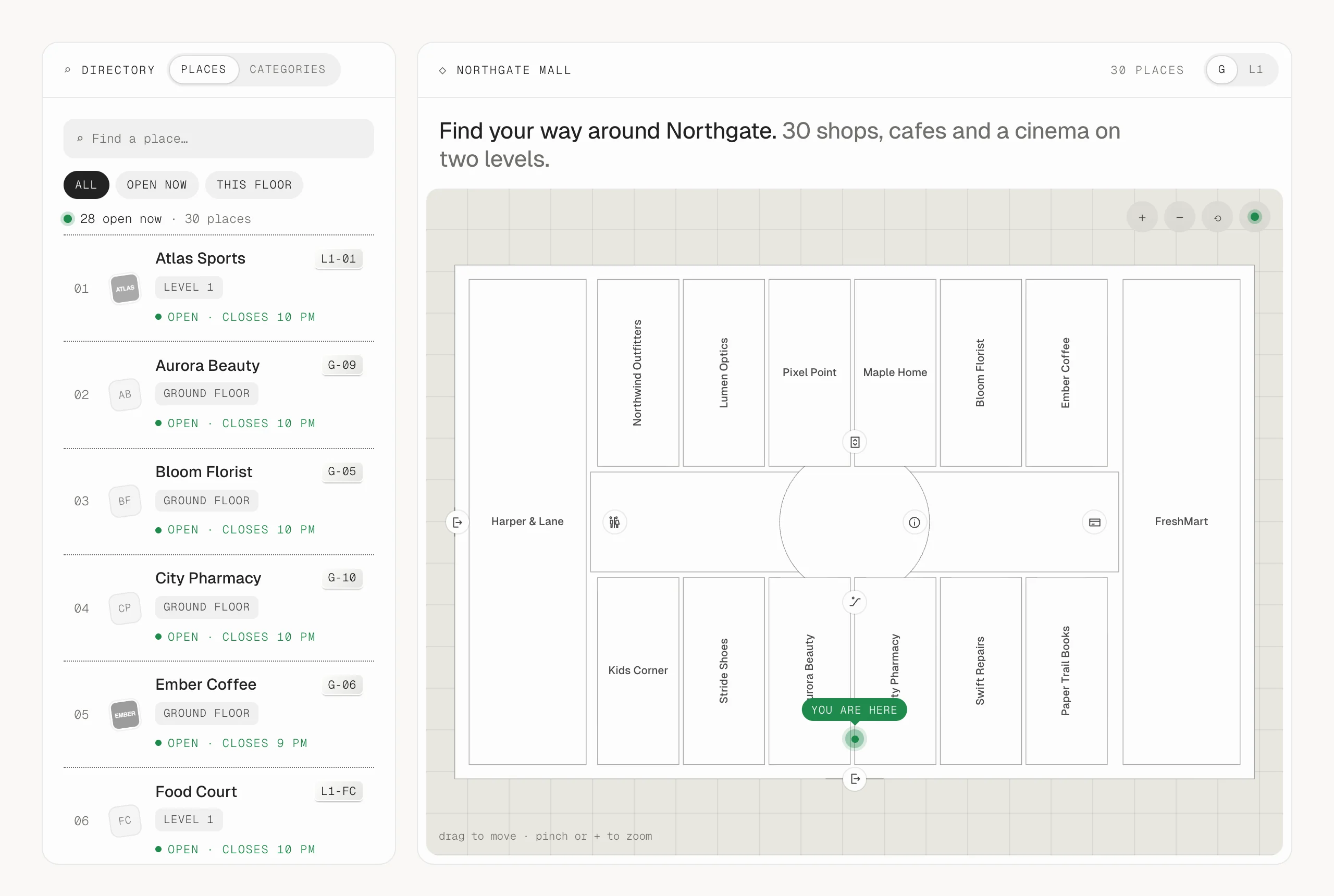
SpotThemes Venue Map
Floor maps with a searchable directory, live opening hours and You are here points.
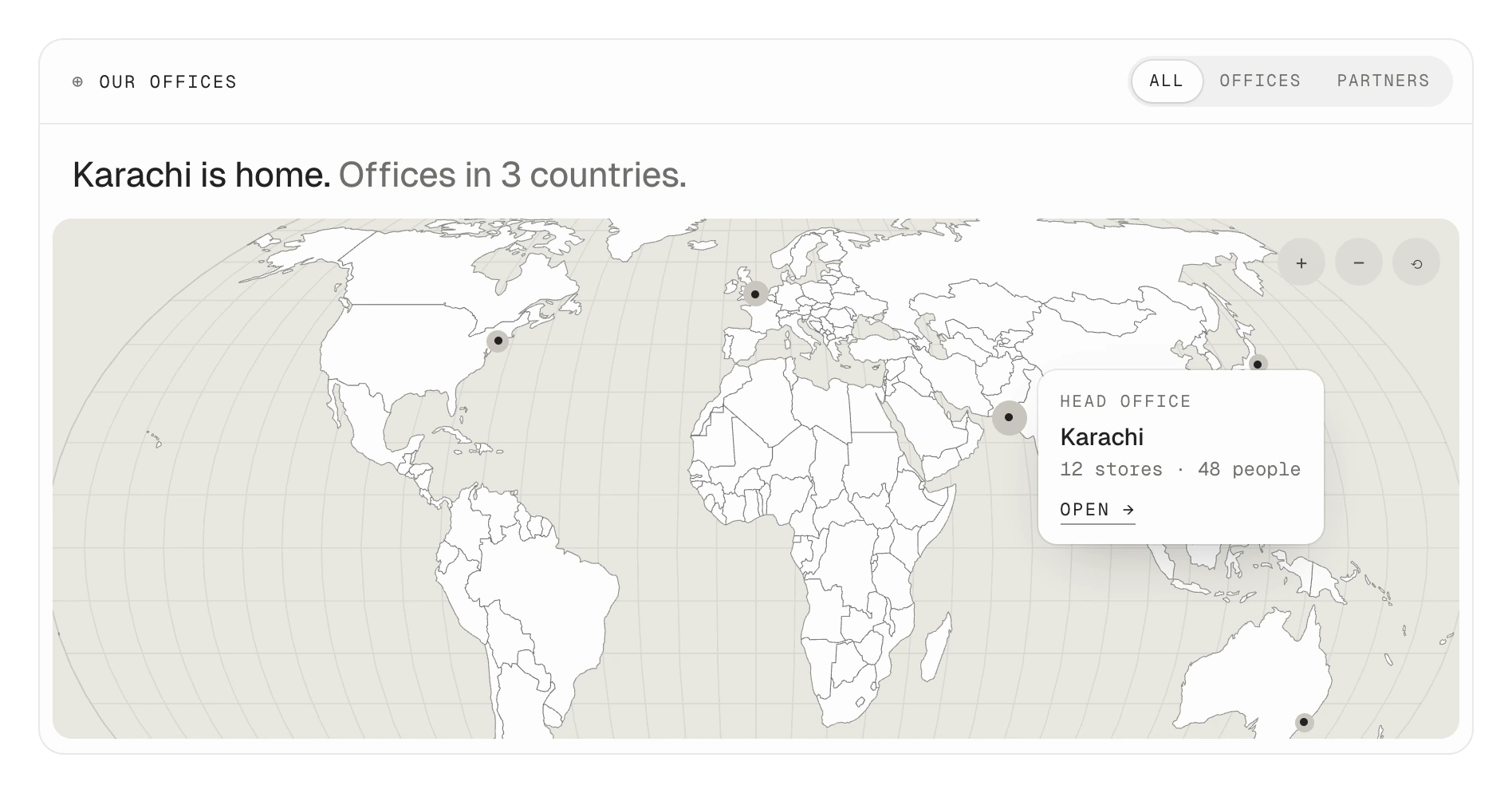
SpotThemes Interactive Maps
Pins, popups and zoom. No API key. Pro adds US states and a store locator.
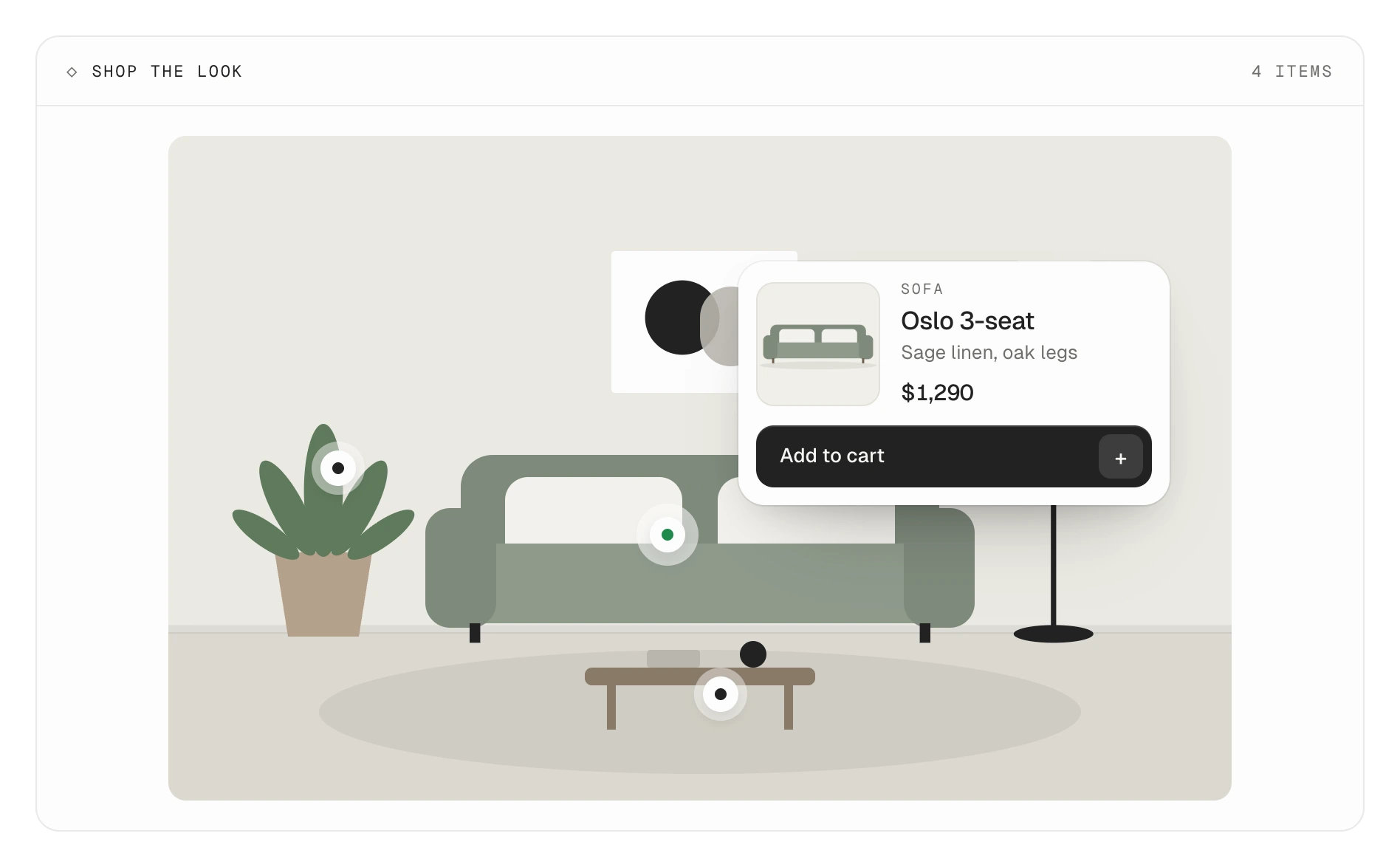
SpotThemes Image Hotspots
Dots on any image. Pro adds WooCommerce cards with Add to cart.
Try it first. Then pay yearly.
No account to make on our site. Try the Venue Map builder or a free version before you buy.
- 01
Try it first
Use the free version of Interactive Maps or Image Hotspots, or build a sample map in the Venue Map builder demo. No account needed.
- 02
Pick your sites and pay yearly
Choose 1, 5 or unlimited sites. Polar takes the payment and adds the tax for your country.
- 03
Upload the zip, paste the key
The plugin zip and your licence key arrive by email. Install it like any plugin and paste your key in its settings.
01Getting started
01What can I do with the free version?+
Interactive Maps and Image Hotspots have a free version, coming soon to WordPress.org. Install it, use it on real pages, and only buy Pro when you need the extra features. Venue Map has no free version: try its builder demo in your browser.
02What do I need to run them?+
WordPress 6.5 or newer and PHP 7.4 or newer. Image Hotspots needs WooCommerce only for product cards with Add to cart.
03How do I add Pro?+
For Interactive Maps and Image Hotspots: keep the free plugin active. Install the Pro zip from your purchase email and paste your licence key. Your settings stay as they are.
04How do I install Venue Map?+
Upload the zip from your purchase email in Plugins and activate it. Then go to Venue maps, Settings & license and paste your licence key.
02Venue Map
05What can I map with it?+
Malls, campuses and buildings. Upload a floor plan per floor, then place your shops, rooms or gates on it.
06How do I link SVG shapes to shops?+
Give each shape an id or title in your design app, for example the unit number G-12. After upload, press Link shapes to places by unit or name, or Create places from named shapes.
07Can visitors get directions from A to B?+
Not yet. Routes are planned for a coming version.
08Does it work on phones?+
Yes. Phones get a full-size map with the directory as a bottom sheet.
03Interactive Maps
09Does it need a Google Maps key?+
No. The map shapes ship inside the plugin, so there is no key and no monthly map bill.
10Can I import many locations at once?+
Yes, in Pro. Import a CSV file or link a Google Sheet.
11Can I use my own map?+
Yes, in Pro. Upload your own SVG map, for example a floor plan or a region. Region shapes need to be paths or polygons.
04Image Hotspots
12Does it need WooCommerce?+
No. WooCommerce is only needed for product cards with Add to cart in Pro.
13Do dots move on phones?+
No. Dots are placed in percent of the image, so they stay on the right spot at every size. On phones the card opens under the image.
14Is it keyboard friendly?+
Yes. Tab to a dot, press Enter to open it and Esc to close it.
05Buying and licence
15Is this a subscription?+
Yes. Plans are billed yearly and you can cancel any time.
16Can I try it before I buy?+
Yes. Interactive Maps and Image Hotspots have a free version, coming soon to WordPress.org. For Venue Map, open the builder demo and build a sample map in your browser. Every plugin also has live demos on this site.
17What happens to my site if I stop paying?+
What is already on your site keeps showing, Pro parts included. Editing maps or Pro features and getting new versions need an active plan.
18How many sites can I use it on?+
Buy for 1 site, 5 sites or unlimited sites. You can move a licence: deactivate it on one site and activate it on another.
19Who handles the payment?+
Polar is our merchant of record. It takes the payment, adds the right tax and sends your receipt and licence key.
20Do you give refunds?+
Try a free version or the Venue Map builder demo before you buy. We don't refund a change of mind after download. If a confirmed bug stops the plugin working on your site and we can't fix it, email [email protected] within 14 days of purchase and we will refund you.
06Updates and help
21How do I get updates?+
While your plan is active, download the newest zip from your Polar account and upload it in WordPress. Your settings stay.
22How do I get help?+
If something breaks, email [email protected].